
CGI Visualization Pricing Guide: CGI Product Visualization Costs Explained
When it comes to showcasing products in the digital age, CGI product visualization has become an essential tool. It allows businesses to present their products in stunning detail, from every angle, without the need for physical prototypes. However, understanding the costs involved in creating these visualizations can be confusing. In this article, I will break down the factors that influence pricing, explain what you can expect to pay, and offer practical advice to help you budget effectively for your next project.
Understanding the CGI Visualization Pricing Guide
Before diving into specific numbers, it’s important to understand what goes into the pricing of CGI product visualization. The cost is not just about creating a pretty picture. It involves a complex process that includes modeling, texturing, lighting, rendering, and sometimes animation. Each step requires skilled professionals and powerful software.
Here are the main factors that influence the cost:
Complexity of the product: Simple shapes and designs are easier and faster to model than intricate or highly detailed products.
Level of detail: High-resolution textures and realistic materials add to the time and effort required.
Number of views or angles: More angles mean more work to render each shot.
Animation and interactivity: Adding movement or interactive elements increases the workload.
Revisions and changes: The more rounds of edits you request, the higher the cost.
Experience of the studio or artist: Established studios with a strong portfolio may charge more for their expertise.
Understanding these factors helps you make informed decisions and avoid surprises when you receive a quote.

How much do 3D renderings cost?
Now, let’s talk numbers. The cost of 3D renderings can vary widely depending on the factors mentioned above. Here’s a general breakdown to give you a clearer picture:
Basic product visualization: For simple products with minimal detail, prices can start as low as $300 to $700 per image.
Mid-range visualization: More detailed products with realistic textures and multiple angles typically range from $700 to $2,000 per image.
High-end visualization: Complex products with intricate details, animations, or interactive elements can cost $2,000 and up per image or animation.
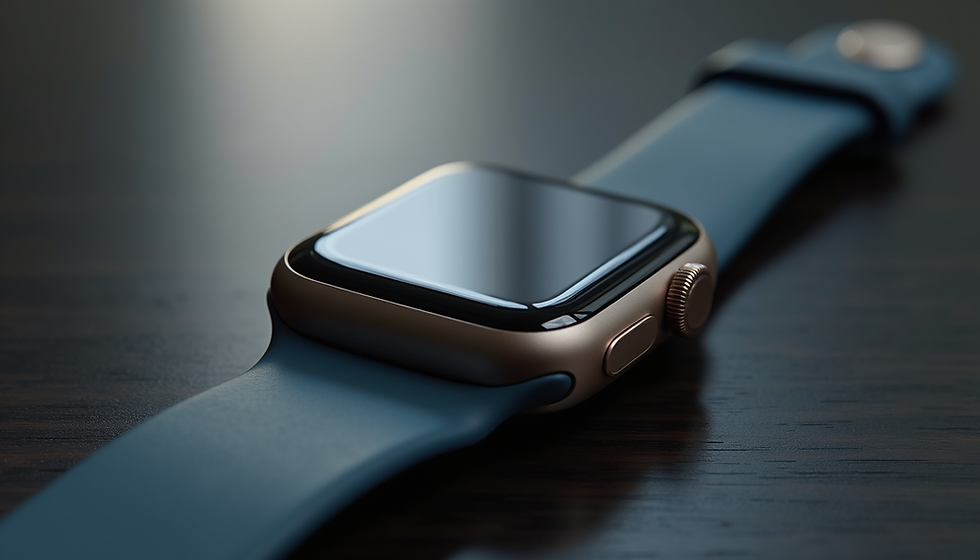
For example, a simple smartphone model with a few angles might cost around $500 per image. But if you want a highly detailed watch with reflective surfaces, multiple materials, and a 360-degree animation, the price could easily exceed $3,000.
Keep in mind that some studios offer package deals if you need multiple images or animations, which can reduce the overall cost per image.
Breaking down the CGI product visualization cost
When you receive a quote for CGI product visualization, it’s helpful to understand what you’re paying for. Here’s a typical breakdown of the cost components:
3D Modeling
This is the foundation of the visualization. Creating an accurate 3D model of your product can take anywhere from a few hours to several days depending on complexity.
Texturing and Materials
Applying realistic textures and materials brings the model to life. This step requires attention to detail to mimic surfaces like metal, glass, fabric, or plastic.
Lighting and Rendering
Proper lighting is crucial for realism. Rendering is the process of generating the final image or animation, which can be time-consuming and requires powerful computers.
Post-Production
After rendering, images often undergo editing to enhance colors, contrast, and sharpness.
Project Management and Communication
Coordinating feedback, revisions, and approvals also factors into the overall cost.
By understanding these components, you can better communicate your needs and negotiate pricing with your chosen studio.

Tips for managing your CGI visualization budget
To get the most value from your investment, consider these practical tips:
Define your goals clearly: Know exactly what you want to achieve with your CGI visualization. This helps avoid unnecessary revisions.
Start with a detailed brief: Provide reference images, product specifications, and any special requirements upfront.
Prioritize key features: Focus on the most important product aspects to highlight, which can reduce modeling time.
Limit the number of angles: Choose the most impactful views rather than requesting many similar shots.
Plan for revisions: Agree on a set number of revision rounds to keep costs under control.
Choose the right studio: Look for a partner with experience in your product category and a style that matches your brand.
Consider long-term use: High-quality CGI can be reused across marketing channels, making it a smart investment.
By following these guidelines, you can ensure your project stays on budget while achieving impressive results.
Why investing in quality CGI visualization pays off
While the initial cost might seem high, investing in professional CGI product visualization offers significant benefits:
Enhanced product presentation: High-quality images attract more attention and build trust with potential customers.
Faster time to market: You can showcase products before physical samples are ready.
Cost savings on photography: No need for expensive photo shoots, props, or studio rentals.
Flexibility: Easily update visuals for new colors, features, or packaging without reshooting.
Improved marketing impact: Stunning visuals increase engagement on websites, social media, and advertising campaigns.
Ultimately, the right CGI visualization partner helps you showcase your products in the best light, driving sales and brand growth.
If you want to learn more about the typical cgi product visualization cost and how it fits your budget, I recommend reaching out to a trusted studio for a personalized quote.
Planning your next CGI visualization project
When you’re ready to start your CGI visualization project, keep these steps in mind:
Research and shortlist studios: Look for portfolios that match your style and product type.
Prepare your product data: Gather CAD files, sketches, or photos to share with the studio.
Request detailed quotes: Ask for itemized pricing and timelines.
Set clear expectations: Agree on deliverables, revision limits, and deadlines.
Maintain open communication: Regular updates help avoid misunderstandings.
Review and approve: Provide timely feedback to keep the project on track.
By following this process, you’ll ensure a smooth collaboration and a final product that meets your needs.
CGI product visualization is a powerful tool for businesses looking to showcase their products with precision and style. Understanding the costs involved and how to manage them effectively is key to making the most of this technology. With the right approach, you can create stunning visuals that captivate your audience and boost your sales.


Comments